




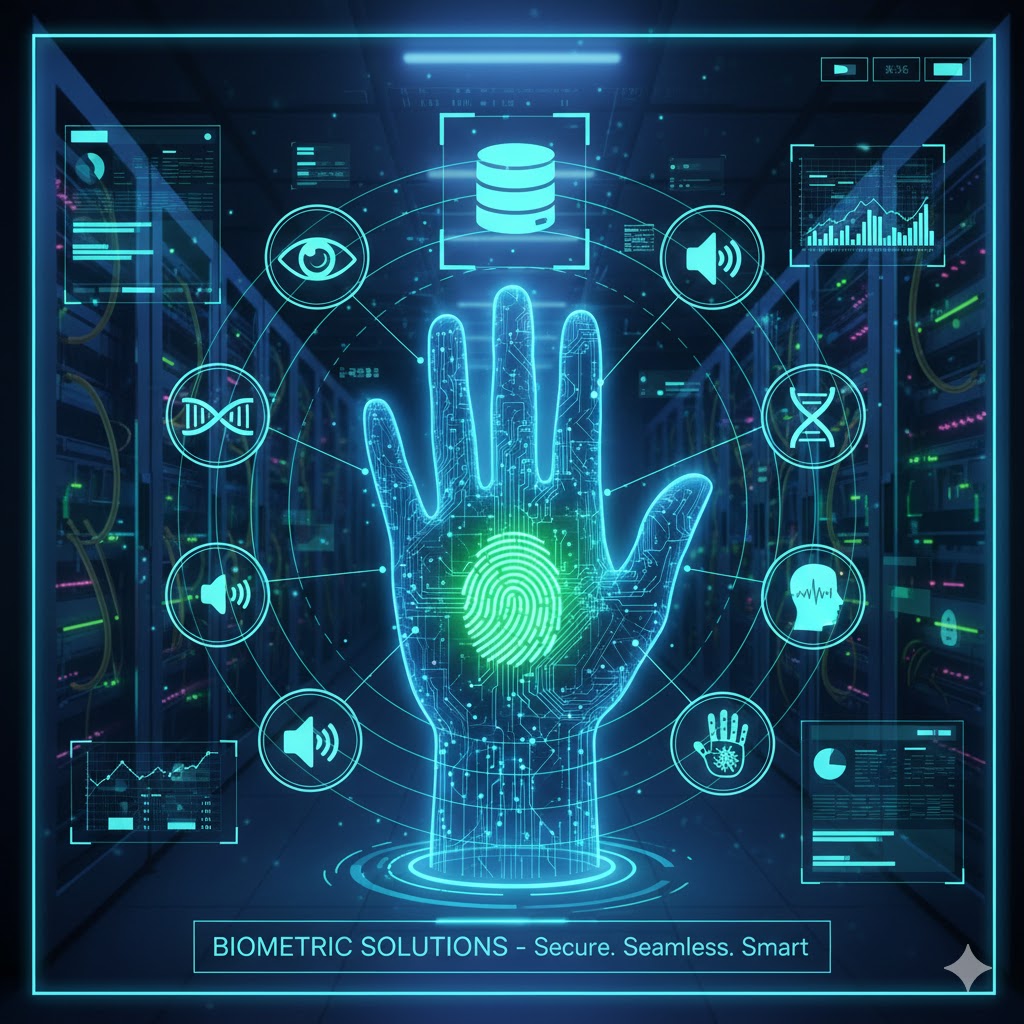
Biometric Solutions Overview
Biometric solutions represent the pinnacle of AIDC (Automatic Identification and Data Capture) technology. Unlike traditional methods that rely on “what you have” (ID cards) or “what you know” (PINs), biometrics identify users based on “who they are.” Autopack (autopackone.com) specializes in integrating advanced biometric modalities—primarily Facial Recognition and Access Control—into existing business infrastructures to ensure that only authorized personnel can access sensitive zones.
Features of Biometric Solution
Adopting Biometric Solutions transforms your facility into a “Zero Trust” environment. By leveraging unique biological traits such as facial contours or iris patterns, businesses can eliminate the risks associated with transferable credentials. This technology doesn’t just improve security; it streamlines the user experience by providing frictionless, high-speed entry that takes less than a second. For industries ranging from manufacturing to corporate offices, the shift to biometrics represents a move toward a more professional, future-ready brand image while ensuring 100% accountability for every individual on-site.
Liveness Detection
Contactless Authentication
High-Speed Processing
Anti-Spoofing Technology
Scalable Architecture
Instant Audit Logs
Implementation of Biometic Solution
-
1. Consultation & Site SurveyAutopack experts evaluate your entry points and network infrastructure to determine the best hardware placement.
-
2. Hardware SetupProfessional mounting of biometric terminals and integration with electronic locks or gates.
-
3. Database EnrollmentA quick, one-time registration process where authorized personnel have their biometric templates securely scanned.
-
4. Integration & TestingConnecting the biometric system to your existing HR, Payroll, or ERP software for automated reporting.
-
5. Training & Go-LiveBriefing your team on the new system and launching the solution with full technical support.
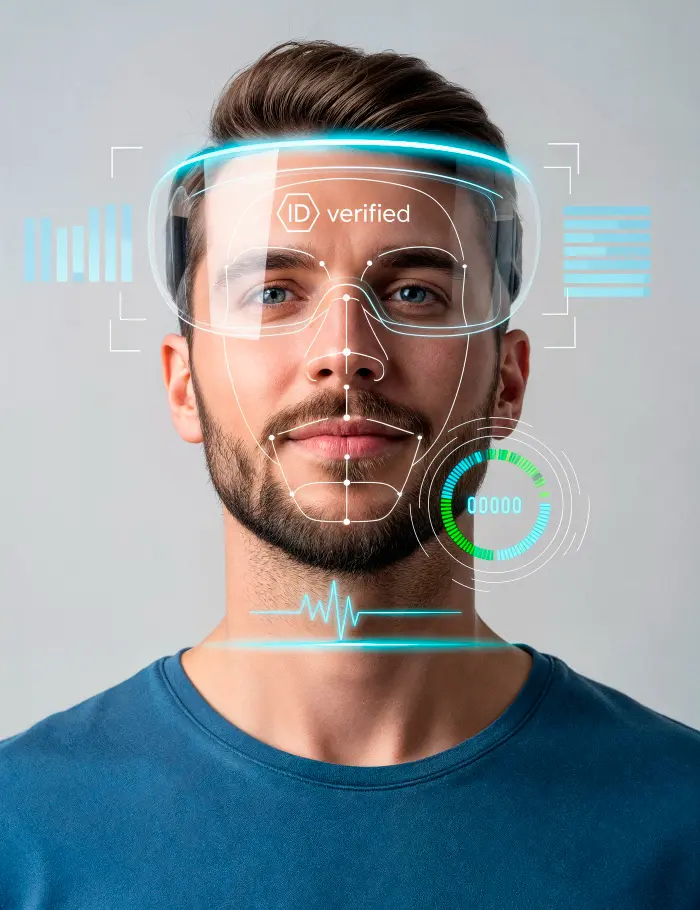
Biometric Solution vs RFID or Manaul
| Feature | Autopack Biometric Solutions | RFID Card Systems | Manual Logbooks |
|---|---|---|---|
| Authentication Factor | Unique Physical Trait (Face/Iris) | Physical Token | Human Observation |
| Transferability | Impossible (Non-transferable) | Easy (Can be shared) | High (Prone to fraud) |
| Entry Speed | < 0.3 Seconds | 1-2 Seconds | 30+ Seconds |
| Hygiene Level | High (Contactless) | Moderate (Surface touch) | Low (Shared pens/paper) |
| Maintenance Cost | Low (No physical tokens) | High (Card replacement) | High (Manual labor) |
Brands



Contact us to find out more
Use Cases of Biometric Solutions
-
Corporate Office SecurityRestricting access to sensitive areas like server rooms, HR departments, and executive suites.
-
Manufacturing Facilitiesmanaging shift attendance for thousands of workers without the delays of card-tapping or manual signing.
-
Healthcare & LabsEnsuring sterile environments remain "hands-free" by using facial recognition for access to cleanrooms.
-
Warehouse & LogisticsTracking authorized drivers and warehouse staff to prevent inventory shrinkage and ensure site safety.
-
Educational InstitutionsAutomating student attendance and securing restricted zones like chemistry labs or dormitories.
Frequent Asked Questions on Biometric Solutions
-
What happens if the power goes out?Our systems can include battery backups and "fail-secure" or "fail-safe" locking options to ensure security or safety during outages.
-
Can it recognize people wearing masks or glasses?A: Yes, modern facial recognition algorithms are designed to identify users even with partial obstructions like spectacles or medical masks.
-
How many users can the system hold?Depending on the model and storage size.
-
Does it work in low-light conditions?Yes, our terminals utilize infrared (IR) technology to ensure accurate recognition even in total darkness.
-
Can we integrate this with our existing payroll software?Absolutely. The system provides CSV or API exports that link directly with most major HR and payroll platforms.
-
Is the system difficult to install?Our team handles the end-to-end installation, typically completing a standard office setup within a single business day.
-
Are there privacy regulations we need to follow?We guide you through best practices for data protection compliance (such as GDPR or local PDPA) to ensure your implementation is legally sound.
